How to handle phone calls while with a client: methods and limits
Telofia team · · 14 min read
How to handle phone calls while with a client: ideally, don't answer during the appointment at all, but make sure the caller still gets a response. Fixed callback windows, a specific voicemail greeting and an automatic text reply all help. The gap is best closed by an AI receptionist that talks to callers, books appointments and takes messages meanwhile.
Contents
- Should you answer the phone during a client's appointment?
- What does a missed call cost you?
- How to handle phone calls while with a client — simple methods
- Ready-made scripts: voicemail and a text after a missed call
- How do you plan callbacks on a busy working day?
- How does an AI receptionist answer calls while you're with a client?
- What mistakes should you avoid when handling calls during appointments?
- Try an AI receptionist in your salon or practice
- Frequently asked questions
Should you answer the phone during a client's appointment?
No. A client sitting in your chair, lying on the massage table or waiting by their car is paying for your attention, and they should get it.
Interrupting a service to take a call hurts both sides at once:
- The client in front of you may feel less important, and in a therapy room an interrupted session can undermine their sense of safety and confidentiality.
- You lose your working rhythm, and wet hands, hair colour or grease also raise hygiene issues and the risk of dropping your phone.
- The caller hears “I'll call you back” or “one moment, please”, or gets a time quoted from memory that may later clash with the calendar.
- Your calendar is at risk too: a booking jotted down in a hurry mid-treatment easily drifts out of line with your schedule and can lead to a double booking.
What does a missed call cost you?
As much as the appointment the caller books somewhere else. Nobody can give you an exact figure, but it is easy to work out with your own numbers.
Example — assumptions: 6 calls a day come in during appointments, 2 of those callers don't wait for a callback and book with a competitor, you work 5 days a week, and a month counts as 4 weeks.
Result: 2 × 5 days × 4 weeks = 40 lost appointments a month. Multiply that by the average value of an appointment at your business and you get your monthly loss.
Appointment values vary widely between industries — a haircut, a massage and a therapy session all cost different amounts — so always calculate the loss using your own price list.
Plug in your own numbers: how many calls come in while your hands are busy, how many callers don't call back, and how much a client spends with you on average. You'll find a detailed step-by-step calculation in The Cost of Missed Calls for Small Business: A Worked Example.
How to handle phone calls while with a client — simple methods
The simplest methods are fixed callback windows, a specific voicemail greeting, an automatic text reply and a booking link. Each costs very little, but each has its limits.
| Method | What it solves | Limitation |
|---|---|---|
| Phone windows (e.g. 10 minutes between appointments) | You call back calmly, with your calendar in front of you | Clients call when it suits them, not during your window |
| Voicemail with a specific message | The caller knows when you'll call back | Not everyone leaves a message, and recordings have to be listened to |
| Automatic text after a missed call | The client immediately gets a sign that you've seen the call | Depends on your phone or booking system; may not be available on a standard phone |
| Auto-reply in Focus or Driving mode | A free feature built into many smartphones | You have to switch it on; what it can do depends on the phone model |
| Online booking link | Some clients will book themselves | Questions about prices or which service to choose go unanswered |
| A second person or a call answering service | Someone answers live | Cost of a salary or the service, limited hours, may not see your calendar |
Conclusion: these methods complement each other well, but they all leave the booking until “after the appointment”. If someone calls who wants to book now, they either wait or look elsewhere.
You'll find ready-to-copy voicemail and text scripts in the next section.
Ready-made scripts: voicemail and a text after a missed call
A good message says who has been reached, when you'll call back and how to book without waiting. Copy a script, replace [Business name] with the name of your business and adjust the times to your schedule — the wording is neutral, so it suits any caller.
Voicemail:
- Hair or beauty salon — “Hello, you've reached [Business name]. I'm with a client right now and can't take your call. I'll call back between 13:00 and 13:15. You can also book an appointment straight away on our website. Please leave your name and a short note on what it's about.”
- Therapy practice — “Hello, you've reached [Business name]. I'm in a session at the moment and don't answer the phone during sessions. I return calls on the hour, between sessions. Please leave your name and phone number — there's no need to say why you're calling.”
- Tradesperson on a job — “Hello, you've reached [Business name]. I'm on a job at the moment and can't talk. I'll call back today after 15:00. Please leave your name, address and a short description of the problem, and if it's an emergency, say so at the start of your message.”
Text after a missed call (if your phone or booking system can send it automatically):
- Salon or studio — “[Business name]: I'm with a client, I'll call you back at 13:00. You can also book an appointment on our website.”
- Tradesperson — “[Business name]: I'm on a job, I'll call you back today after 15:00. If it's an emergency, please reply briefly with what's happening and the address.”
- Practice — “[Business name]: I can't answer right now, I'll call you back on the hour. You can also choose a time on our website.”
How do you plan callbacks on a busy working day?
Put callback windows into your schedule just like appointments and stick to a fixed order of priorities. That way, the list of missed calls doesn't keep growing until the evening.
Example — assumptions: a salon or practice open 9:00–17:00, appointments of 60–90 minutes, one person seeing clients:
- 10:30–10:40 — quick review of missed calls: urgent matters and short texts answering simple questions.
- 13:00–13:20 — main window during the break: calling back about bookings, with your calendar in front of you.
- 15:00–15:10 — a short window for anything that came in during the afternoon.
- 17:00–17:20 — a final window after closing, so nobody has to wait until tomorrow.
If you can't call everyone back within a window, set an order:
- Urgent — emergencies, cancellations and changes for today, clients running late; the rest of the day depends on these.
- Bookings — new appointments and rescheduling; this is where delays cost you an appointment fastest.
- Questions — price, duration, availability of a service; a short text with the answer is often enough.
A tradesperson out on jobs needs a separate route for emergencies, because a flood or a power cut won't wait for your break:
- Urgency criteria — decide in advance what counts as an emergency (e.g. a water leak, no power, no heating) and what can wait until the evening.
- The word “emergency” at the start — ask for it in your voicemail and listen to the start of your messages after each stage of work.
- Cover — for an emergency you can't take on, point to someone from your team in your text or give the nearest realistic slot straight away.
- A first pointer — include a simple safety step in your reply, e.g. turning off the main stopcock if there's a leak.
These methods stop working when you get more calls than you have breaks between appointments. With a full diary, your window shrinks to a few minutes and the list of missed calls grows, especially in situations like these:
- Long treatments — colouring, a massage, a therapy session or a repair takes an hour or more, so callers wait a very long time.
- Working on site — a plumber, electrician or air-conditioning engineer won't call back while standing on a ladder or lying under a sink.
- Several people in the team — everyone has their own calendar, and the one person returning calls has to know everyone's schedule.
- Calls after hours — nobody calls back in the evening, and the client may book with someone who answered. We cover this in more detail in How to answer business calls after hours without a call centre.
How does an AI receptionist answer calls while you're with a client?
An AI receptionist answers the call you can't take and deals with it straight away: it books an appointment, answers questions or takes a message. You finish your treatment calmly, and after the appointment you can see in the dashboard what happened.
- A client calls during an appointment
- The AI receptionist answers and asks about the service
- It checks free times in the calendar
- It books once the client confirms
- It sends a text if you switch on confirmations
- A summary lands in the dashboard
That's how Telofia works — a virtual AI receptionist for small businesses. During the call it checks your real calendar, offers two or three free times that match the request, reads the details back and books only after the caller confirms, asking for their name and phone number.
If several people work in your team, each can have their own calendar. When a client asks for a particular stylist or therapist, the assistant checks only that person's schedule; when they have no preference, it picks the person who does that service and has the most free time that day.
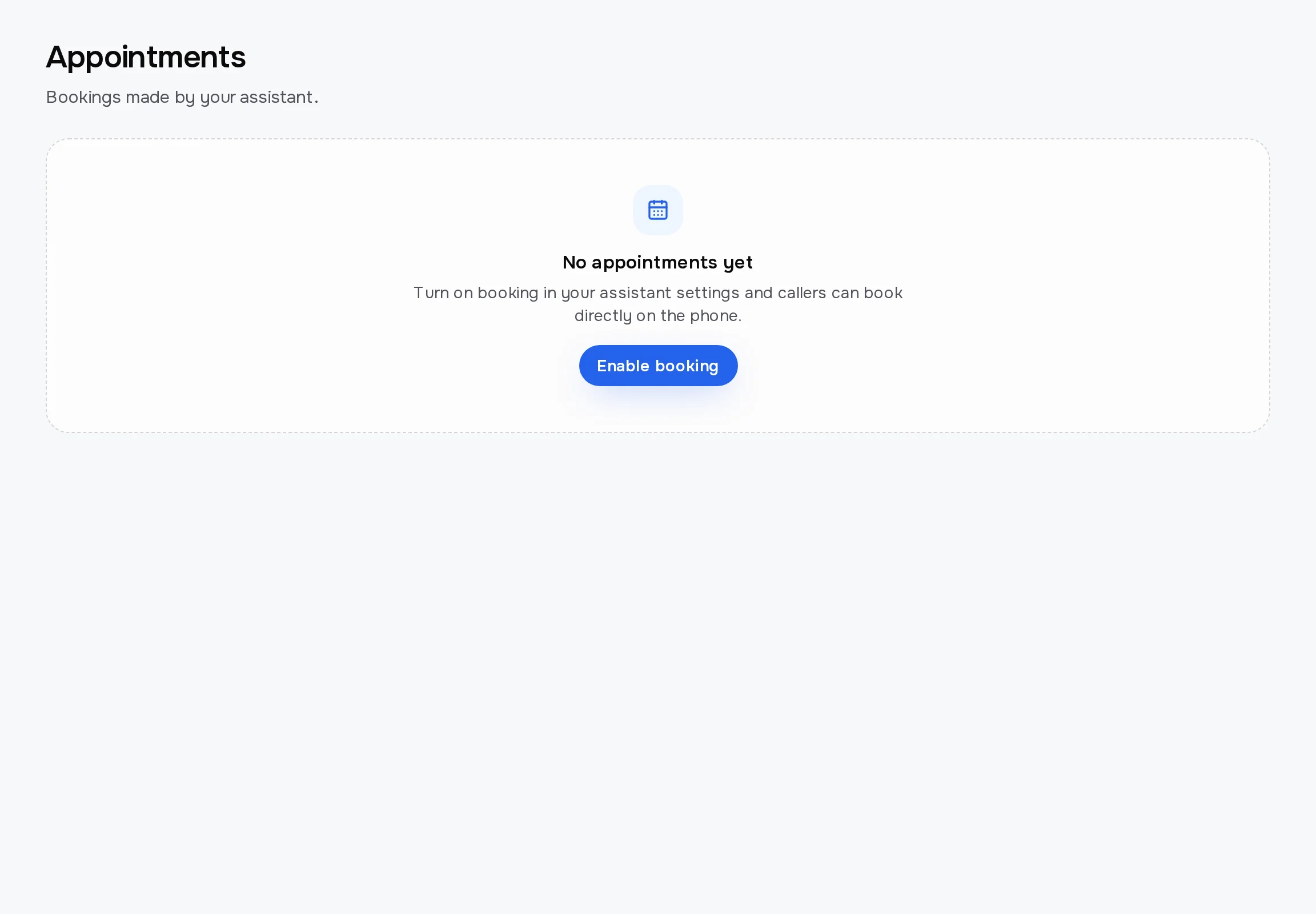
Appointments booked by phone appear in Google Calendar or in the built-in calendar under Appointments. Clients can also reschedule or cancel an appointment by phone, and the calendar updates straight away. A confirmation text and a reminder before the appointment go out if you switch on Booking confirmation and Appointment reminder under SMS → Automations and then click Save settings — within your plan's SMS allowance.
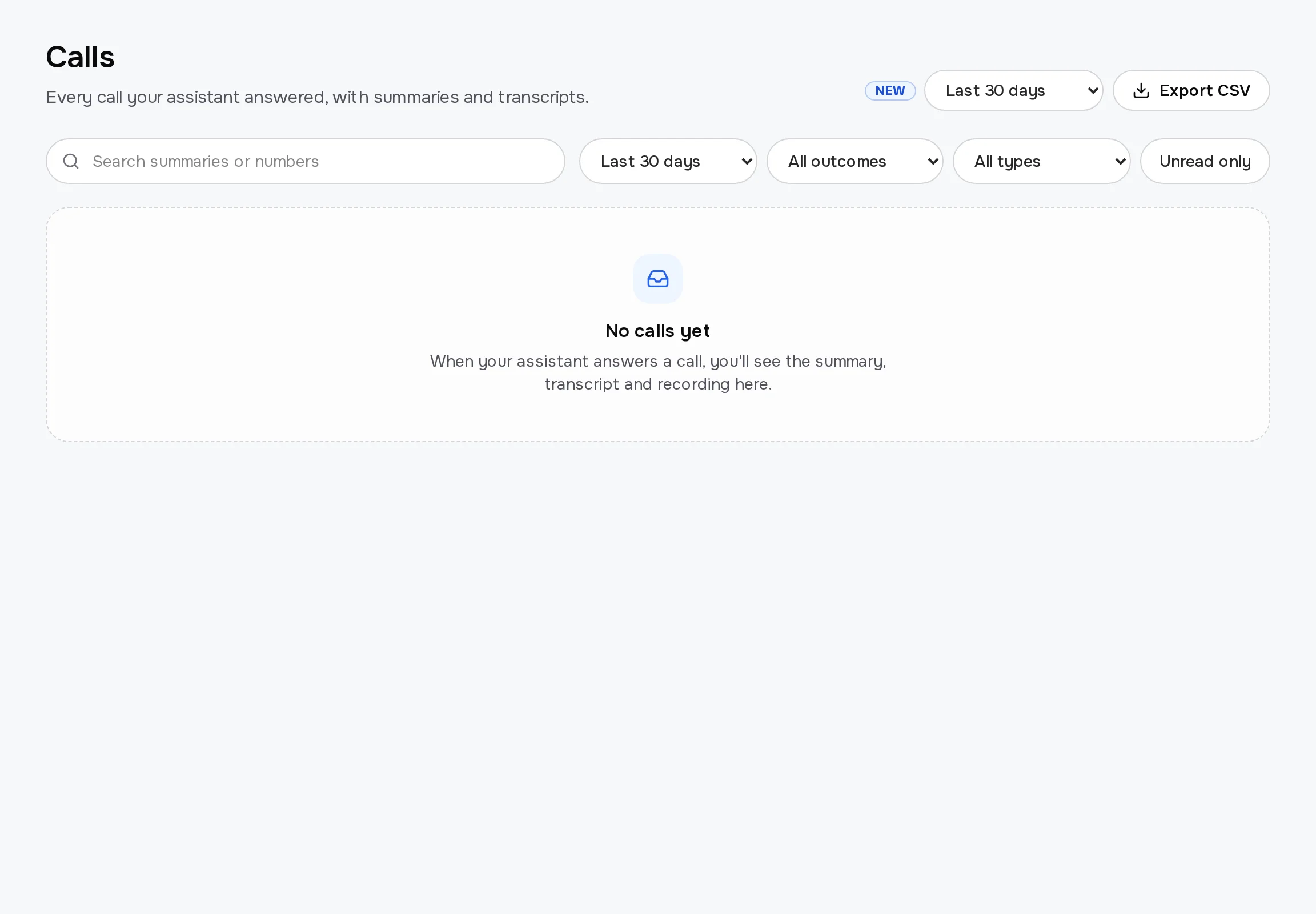
After every call you get an email with a summary, and under Calls you have the summary, recording and transcript of each call (how long recordings are kept depends on your plan).
At one of the businesses working with Telofia — a service salon — the assistant books appointments into the calendar, confirms them to clients by text, puts callers through to a member of staff when needed and takes callback requests. It handles several dozen phone calls a month, and roughly one in three ends with a booked appointment or meeting.
An AI receptionist has its limits too, and it's worth knowing them before you start:
- Callers who prefer a human — some people only want to speak to you. In that case the assistant takes a callback request for the time the client gives, and puts an urgent matter through to you or your team if you set up a rule for it.
- Complex consultations — a colour correction or a first conversation with a therapist needs your judgement. The assistant will collect the details and pass the matter on, but it won't replace a conversation with you.
- Up-to-date knowledge — the assistant answers with what you give it. A new service, a changed price list or a different treatment duration must go into the knowledge base and appointment settings, otherwise it will give outdated information or pick the wrong slot.
The basic setup takes about five minutes: you paste your website address so the assistant learns what you offer, test a call in your browser and forward your calls. Your existing number stays the same, and forwarding works once you've chosen a plan and your Telofia number — which comes with the plan — has been activated (where the carrier requires documents, usually within about 3 working days).
You can connect Google Calendar separately, at any time: Integrations → Calendars → Google Calendar → Connect. Without it, appointments go into the built-in calendar.
You'll find the full setup guide on the how it works page, and solutions for beauty businesses and practices are described on the virtual receptionist for salons page. Plans start at £35 a month (excl. VAT) on yearly billing — details on the pricing page.
What mistakes should you avoid when handling calls during appointments?
The biggest mistake is a solution that moves the problem around instead of solving it. Check your setup against this list:
- Answering “just for a second” mid-treatment — risks a double booking or an unhappy client in the chair.
- A generic voicemail greeting — a message without a callback time gives the caller no reason to wait.
- No fixed callback window — missed calls wait until the evening, and the client may book elsewhere in the meantime.
- Bookings recorded in several places — a notebook, your phone and an online calendar easily stop matching up.
- No text confirmation — the client has no record of the appointment, which makes mix-ups and no-shows more likely.
- No plan for urgent matters — decide who gets a call that can't wait, and how.
Try an AI receptionist in your salon or practice
If phone calls keep interrupting your work with clients, see how an AI receptionist handles your typical questions and bookings.
You can try Telofia for 14 days with 30 free minutes, no card needed — you run the test call in your browser. Create an account and try the assistant.
Frequently asked questions
Is it unprofessional not to answer the phone while working with a client?
No, as long as the caller still gets a response. What's professional is focusing on the client in front of you and having a clear way to handle everyone else: a specific voicemail greeting, a text saying when you'll call back, or an assistant that books the appointment straight away.
What should I record on my voicemail when I'm in the middle of a treatment?
Give your business name, the reason you can't answer and a specific callback time, e.g. “This is [Business name], I'm with a client, I'll call you back between 13:00 and 13:15”. Add how to book without waiting, for example on your website.
Will the client know they're talking to an AI?
Yes. At the start of every call, Telofia says that the caller is speaking to an AI assistant. Data is stored in the EU (Frankfurt), and processing is covered by a data processing agreement.
What can I test during the trial, and what only with a plan?
During the trial you test the assistant in your browser and with the website widget. You only get a phone number with a plan (it's included in every plan), and live transfers to you or your team work once you've chosen a plan — before that, the assistant takes a message.
Will the AI receptionist put an urgent call through to me?
Yes, if you set up a transfer rule: you specify the person, their number and the situations in which the call should be transferred. If nobody answers, the assistant takes a message and saves it in the dashboard.
Try Telofia on your own calls
Set up your AI receptionist in about five minutes: 14-day trial with 30 free minutes, no card needed for the browser test.
Prefer to hear it first?
Enter your number and the assistant calls you within seconds, acting as the receptionist of your business.
Also available in: Polski, Deutsch, Español, Français, Italiano, Português, Nederlands