What happens when two customers call at the same time? 5 options
Telofia team · · 12 min read
What happens when two customers call at the same time? With one line, the second caller hears an engaged tone, reaches voicemail or gives up and rings another business. The fixes are call waiting, a second line, a staff rota, a call answering service, or an AI receptionist that picks up when your line is busy and books appointments.
Contents
- What happens when two customers call at the same time on one line?
- How many calls can one line lose in a peak hour?
- What to do when several customers call at once: options compared
- What can you set up today without new tools?
- How does an AI receptionist answer the second call while you're on the phone?
- How do you set this up in Telofia?
- The most common mistakes when several people call at once
- See how the assistant talks to your customers
- Frequently asked questions
What happens when two customers call at the same time on one line?
With one line, the second caller can't get through to you while the first call is in progress. What they hear depends on your phone and provider settings:
- Engaged tone: the customer knows the business is open but doesn't know when to try again.
- Call waiting: you hear a beep during the call, but to answer you have to put the first customer on hold.
- Voicemail: the customer can leave a message, but the job waits until you call back, and the message is often incomplete.
- Hang-up: the customer puts the phone down and rings the next business in the search results.
For the business, each of these scenarios means the same thing: an enquiry that wasn't taken straight away. For a tradesperson, that could be a breakdown or an urgent quote the customer won't wait until the evening for.
How many calls can one line lose in a peak hour?
The more calls and the longer the conversations, the larger the share of calls that hit an engaged line. With one line, you can estimate this with a simple formula and plug in your own figures.
Formula (simplified Erlang B model for one line): load A = calls per hour × average call length in minutes / 60, and the share of calls hitting an engaged line ≈ A / (1 + A). The model assumes calls arrive at random and anyone who gets the engaged tone doesn't hold.
Example — assumptions: an air conditioning service company has one line and one person on the phone; half of the people who hit an engaged line don't call back; one in two customers who get through books the job.
- Quieter hour: 5 calls of 3 minutes each, so A = 15/60 = 0.25 and about 1 in 5 calls hits an engaged line, i.e. 1 call. On average half a caller doesn't call back, so about a quarter of a job is lost.
- Peak hour: 12 calls of 4 minutes each, so the calls would need 48 of the 60 minutes. A = 0.8, so about 5 of 12 calls hit an engaged line; about 2–3 people don't call back, and about 1.3 jobs are lost.
Example in pounds — same assumptions, plus an average job value set at £100 for illustration (an assumption for this example, not a market price): 5 such peak hours a week mean about 6.7 lost jobs, or around £670 a week.
Call volume rose by just under 2.5 times, but lost jobs rose more than fivefold. More calls and longer conversations tie up the line more and more often, so not only the number but also the share of calls hitting an engaged line goes up.
Loss formula: calls per hour × share hitting an engaged line × share who don't call back × share who book × average job value.
What to do when several customers call at once: options compared
You have five realistic options, and they differ mainly in how many calls they handle at once, who has to be there and what kind of business they suit.
| Option | Calls at once | Cost model | Best for | Main drawback |
|---|---|---|---|---|
| Call waiting | one, the second waits | depends on your provider | clashes a few times a week | you interrupt the call with the first customer |
| Second line | two, if someone answers | extra line rental | a team with someone at a desk | useless without a second person |
| Staff phone rota | as many as people on duty | staff time | businesses with a few people | pulls people away from work, gaps at peak times |
| Call answering service | depends on the service | per-minute rate or subscription | businesses without their own reception | scope depends on the contract |
| AI receptionist | depends on the plan | monthly subscription | daily clashes, including sole traders | urgent matters still go to a person |
Voicemail isn't a separate option but a safety net: it's useful alongside any of these, but the customer still waits for a call back. Which option to choose depends on the size of your team and how often several people call at once:
- Sole trader, tradesperson out on jobs: if calls clash a few times a week, call waiting, a clear voicemail greeting and a text message are enough. If they clash every day, set up forwarding when busy to a call answering service or an AI receptionist, because there's nobody to answer a second line.
- Team of 2–5 people: a second line makes sense if someone is actually sitting by the phone. If everyone is out on jobs or with customers, forwarding when busy works better.
- Reception with a phone rota: the rota covers normal hours, and at peak times, when the person on duty is on a call, the second call goes to an answering service or an AI receptionist. How to split appointments between people is covered in our article on appointment booking for multiple staff and how to organise it.
An option pays off if its monthly cost is lower than the loss from your peak hours, calculated with the formula from the previous section using your own figures. Check the prices of a second line and an answering service in your provider's or service's price list.
What can you set up today without new tools?
A few changes to your phone and the way you work reduce losses straight away, with nothing to buy:
- Turn on call waiting: instead of an engaged tone, you'll hear that someone is waiting and can tell the first customer you'll be right back.
- Record a clear voicemail greeting: say when you'll call back and what the customer should leave (address, type of fault, number).
- Set fixed call-back slots: for example, 10 minutes every two hours just for missed calls.
- Reply with a template text: a short message like “I'll call you back by 12:00” keeps a customer who would otherwise keep searching.
- Set up forwarding when busy: the second call then goes to a colleague, an answering service or an AI receptionist. Check the code and any charges in your provider's online account, as they vary by provider and line type.
These steps limit losses but don't remove the problem: the second customer still waits or has to call again. The same issue comes back in the evening, as we explain in how to answer business calls after hours without a call centre.
How does an AI receptionist answer the second call while you're on the phone?
An AI receptionist takes the call you can't answer, talks to the customer and records the outcome. This kind of virtual receptionist works like a second line that doesn't need a second person sitting by it.
- Second customer calls
- Your line is busy
- Forwarding when busy
- AI receptionist answers
- Appointment goes into the calendar
- Summary by email
You finish the call with the first customer, while the second one hears the assistant, which says at the start that it's an AI. The assistant answers questions and books the appointment in Google Calendar, and puts urgent matters through to the team member set in the transfer rules; if nobody can answer, it takes a message.
At businesses working with Telofia, across different industries, the assistant takes call-back requests and messages when nobody on the team can answer the phone. These go to the business's dashboard.
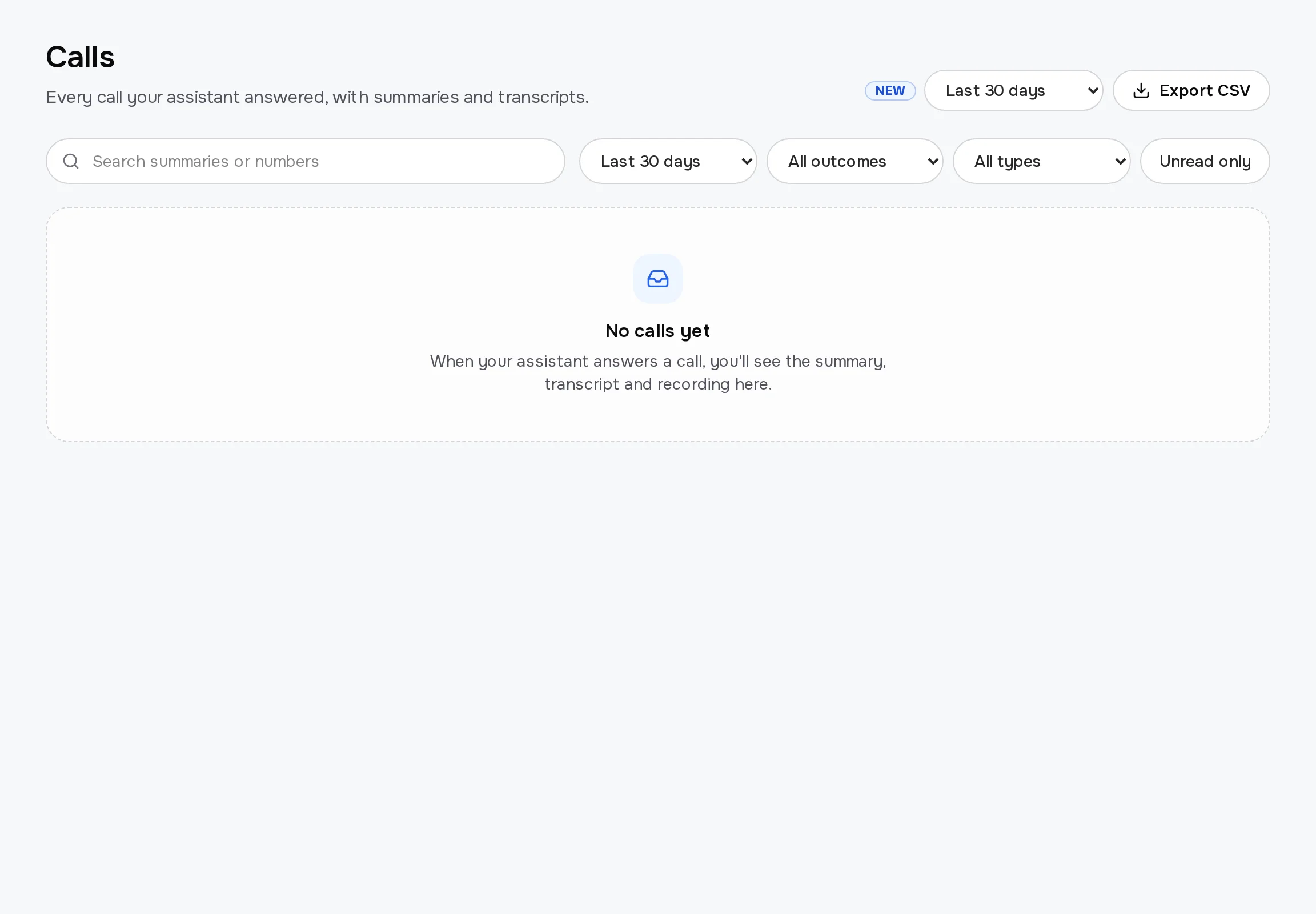
You then see every call under Calls, with a summary, transcript and recording (how long recordings are kept depends on the plan). You know straight away who called while your line was busy.
How do you set this up in Telofia?
The basic setup takes about five minutes, and your number stays the same. The key settings:
- Knowledge: click Import website so the assistant learns about your services.
- Integrations: on Google Calendar, click Connect and choose the Calendar for bookings.
- Assistant: in the Call transfers card, click Add transfer rule for urgent matters.
- Billing: choose a plan first, then pick a Telofia number in Phone numbers, because you only get a number with a paid plan.
- Phone numbers: choose Connect your own number, then Call forwarding, enter Your current number and under When should Telofia answer? choose when Telofia should pick up (e.g. when the line is busy). On your phone, dial the code shown under On the phone with that number, dial:, click Save, then Test forwarding.
The number of calls handled at once depends on the plan (from 1 to 10); even with one, you serve two customers together, because you talk to one and the AI talks to the other.
We cover the other settings on the how it works page. Telofia costs from £35 a month excl. VAT on yearly billing (details on the pricing page).
The most common mistakes when several people call at once
Most losses come from a few recurring mistakes that are easy to check:
- No data on peak hours: without counting clashes, you don't know whether the problem is two calls a week or twenty a day.
- Vague voicemail: a generic “please leave a message” doesn't tell the customer when you'll call back.
- Answering everything while working: a call in the middle of a repair usually ends with a note on a scrap of paper that gets lost.
- A second line without a second person: an extra number achieves nothing if nobody answers it.
- Forwarding all calls instead of only when busy: you lose calls you could have answered yourself.
- No single place for enquiries: messages from texts, voicemail and scraps of paper then have to be gathered by hand.
See how the assistant talks to your customers
The easiest way to find out is with your customers' own questions. Create an account, paste your website address and talk to the assistant in your browser.
The trial lasts 14 days and includes 30 free minutes, with no card required. Try Telofia and see how the assistant answers your customers' questions.
Frequently asked questions
Is call waiting enough for a small business?
It is if calls rarely clash. When two calls at once is an everyday thing, call waiting just moves the problem: one customer always waits, and you interrupt the conversation.
Second line or AI receptionist: which is better for a one-person business?
A second line only helps if someone answers it. If you're the only one on the phone, an AI receptionist with forwarding when busy handles the second call without hiring another person.
Do I have to change my business phone number?
No. You keep your current number and set up forwarding, for example only when busy or on no answer. Customers call the same number as always.
Does the customer know they're talking to an AI?
Yes. The Telofia assistant says at the start of every call that it's an artificial intelligence, so the customer knows straight away who they're talking to.
What happens to an urgent matter when the assistant answers?
You set transfer rules, for example for breakdowns, and the assistant puts the customer through live to you or your team. If nobody answers, it takes a message and saves it in the dashboard. Transfers work once you choose a plan; during the trial the assistant takes a message.
Try Telofia on your own calls
Set up your AI receptionist in about five minutes: 14-day trial with 30 free minutes, no card needed for the browser test.
Prefer to hear it first?
Enter your number and the assistant calls you within seconds, acting as the receptionist of your business.
Also available in: Polski, Deutsch, Español, Français, Italiano, Português, Nederlands