How to Test an AI Receptionist Before Buying: 10 Test Calls
Telofia team · · 10 min read
Wondering how to test an AI receptionist before buying? Make 8–10 test calls posing as real customers: a routine booking, a vague request, interruptions, background noise, an urgent job, a question it can't answer and asking for a human. Then replay the recordings. It's ready when it invents nothing, captures details correctly and ends every call with a clear next step.
Contents
- How to test an AI receptionist before buying
- Which test calls should you make? A 10-call plan
- What does a good result look like, and what's a red flag?
- What should you listen for when you replay the calls?
- Which red flags mean the tool isn't ready?
- How do you run this test in Telofia?
- Where should you start testing the assistant?
- Frequently asked questions
How to test an AI receptionist before buying
The simplest method is a plan of 8–10 test calls, each checking one tricky situation from a real working day at your business. You call yourself or ask someone from outside the business, then compare the result with what should have happened.
An AI receptionist is software that answers your business calls, talks in a natural voice and, based on the conversation, books appointments, takes messages or transfers the call to a person. So you're not checking whether it “sounds nice”, but whether the caller hangs up with their matter sorted.
If you're still working out when during the day an AI receptionist should answer instead of you, take a look at how to choose an AI receptionist.
Which test calls should you make? A 10-call plan
Pick scenarios that genuinely happen at your business. The examples below come from the trades (plumbers, electricians, air conditioning and heating engineers), but they translate easily to a salon, a clinic or a garage.
- Routine booking — “I'd like to book an air conditioning service next week.” You check whether it offers specific times, asks for a name and number, and reads the details back.
- Vague request — “Something's leaking under my sink, I'm not sure if that's something you do.” A good assistant asks follow-up questions instead of guessing the service.
- Interruptions — cut in halfway through its sentence and change the time. It should stop talking and take the correction.
- Background noise — call with the radio on, from the street or from the car. You check whether it captures the name, address and number correctly.
- Urgent job — “My heating's gone off and there's a small child at home.” It should recognise the urgency, take the address and phone number, then transfer the call or clearly flag the request.
- Question it can't answer — ask about something that isn't on your website, e.g. the price of an unusual repair. It should admit it doesn't know and take a message.
- Asking for a human — “Can you put me through to the boss, please?” It must offer a transfer or a callback, not refuse over and over.
- Changing or cancelling an appointment — call again about the booking from test 1 and move it to another day.
- Fast talker — give everything in one sentence: name, address, service and time. You check that it loses nothing and doesn't ask for the same thing twice.
- Out-of-scope request or another language — ask for a service you don't offer, or start in another language if you have customers like that.
What does a good result look like, and what's a red flag?
A good result is a call after which the customer knows what happens next and you have complete, accurate details. Use the table below as your scorecard.
| Test call | Good result | Red flag |
|---|---|---|
| Routine booking | 2–3 specific times, reads details back, books once agreed | Books without confirming or into a slot that's already taken |
| Vague request | Clarifying questions, one at a time | Guesses the service and books straight away |
| Interruptions | Goes quiet and takes the correction | Keeps talking and ignores the change |
| Background noise | Asks you to repeat, reads the number back aloud | Saves the wrong number without checking |
| Urgent job | Recognises the urgency, takes the address, transfers or flags | Offers a routine slot next week |
| Question it can't answer | Says plainly it doesn't know, takes a message | Makes up a price, hours or terms |
| Asking for a human | Transfers or arranges a callback | Refuses or goes round in circles |
| Changing an appointment | Finds the appointment, moves it after confirming | Creates a second booking alongside the old one |
For each test, mark which column fits. One red flag on the urgent call or the request for a human outweighs several small slips on a question about opening hours.
What should you listen for when you replay the calls?
Above all, listen for whether the details are correct and whether the call has a proper ending. Voice and pace matter, but they come second.
- AI disclosure — callers should know from the start that they're talking to an AI assistant; hiding it undermines customer trust.
- Accurate details — the name, number, address and time in the summary must match what you said.
- One question at a time — a string of five questions in one sentence wears the caller out and leads to gaps in the details.
- Pauses and talking over you — a long silence after you speak, or cutting you off mid-sentence, is a signal to run another test.
- A clear ending — an appointment, a message, a callback or a transfer; “please call back later” isn't enough.
- What reaches you — from the summary you should know within half a minute who to call back and what it's about.
Which red flags mean the tool isn't ready?
The tool isn't ready for real customers if, in testing, it invents facts, loses contact details or offers no route to a human. A pleasant voice doesn't make up for mistakes like these.
- Making things up — quotes prices, times or terms you never gave it.
- Wrong phone number — saves it without reading it back aloud, so you can't call the customer back.
- No route to a human — doesn't transfer, doesn't arrange a callback and doesn't take a message.
- Urgent treated as routine — handles a heating breakdown the same way as a service due next month.
- A mistake that keeps coming back — you fix the knowledge or settings, and the same problem turns up in the next call.
Some mistakes come from missing knowledge, not a flaw in the tool. If the assistant didn't know your Saturday hours, add them and repeat the test; it only becomes a red flag when the mistake repeats after the fix.
Example — assumptions: 10 calls, each scored 0, 1 or 2 points (2 = good result from the table, 0 = red flag), a maximum of 20 points, a pass mark of 16 points and zero flags in the urgent job, asking for a human and question it can't answer tests. A score of 17 points with one flag in the urgent test means: fix the settings and repeat the test before you connect real calls.
The whole test is a short loop you repeat until the result stops improving:
- Write down 10 scenarios
- Call as a customer
- Replay the recording and transcript
- Fix the knowledge or settings
- Repeat the failed tests
- Decide whether to go live
How do you run this test in Telofia?
You can run the basic 10-call plan in Telofia during the trial: 14 days and 30 free minutes, with a browser test of the assistant and no card needed.
Example — assumption: a test call lasts about 3 minutes, so 30 minutes covers about 10 calls. Repeating the key scenarios (about 14–16 calls in total, i.e. 42–48 minutes) may need more minutes than the trial includes, so repeat the weakest tests first.
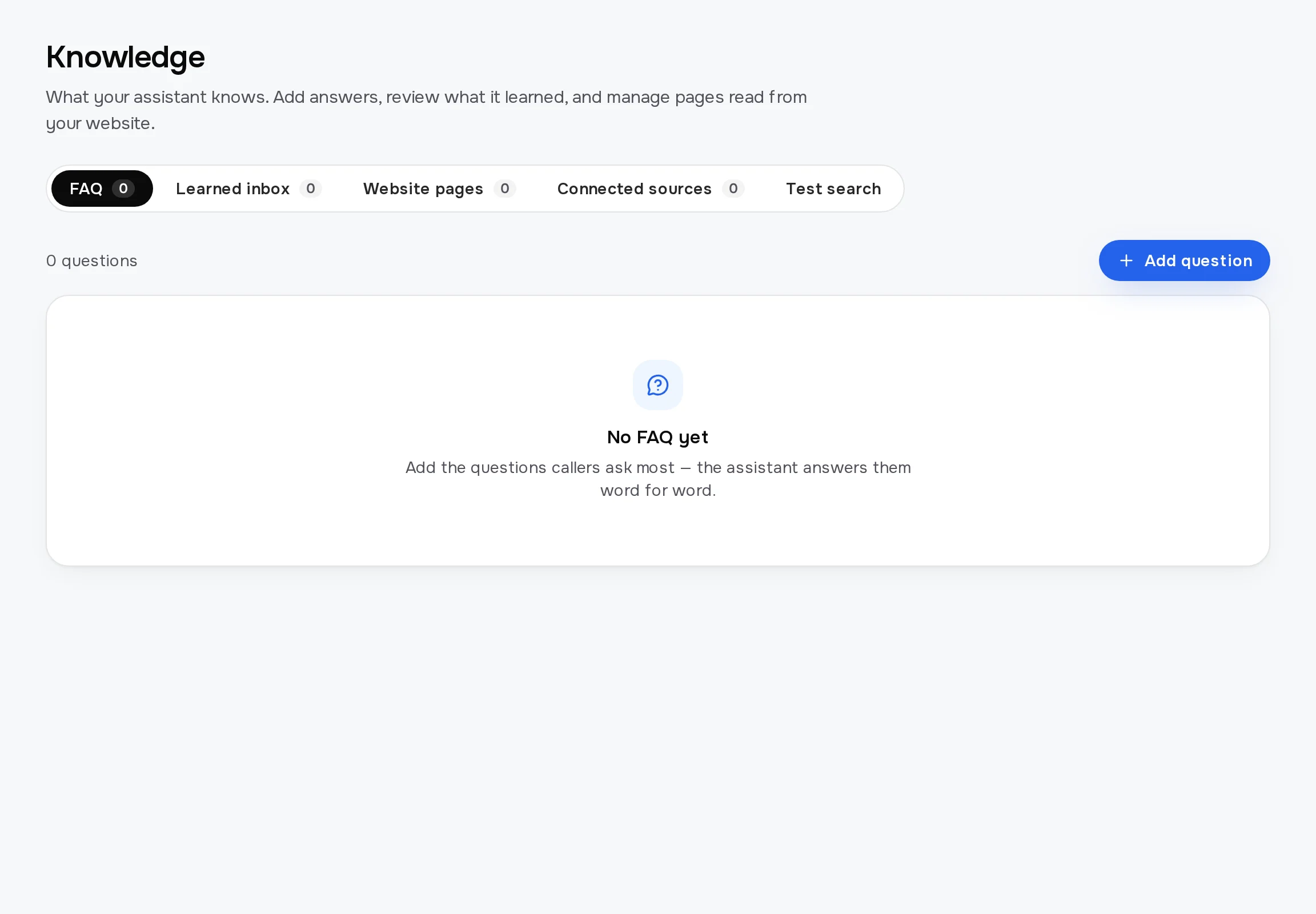
Start by pasting in your website address, which the assistant uses to learn what you offer. Add missing answers, e.g. from test 6, under Knowledge → FAQ with the Add question button, then repeat the call.
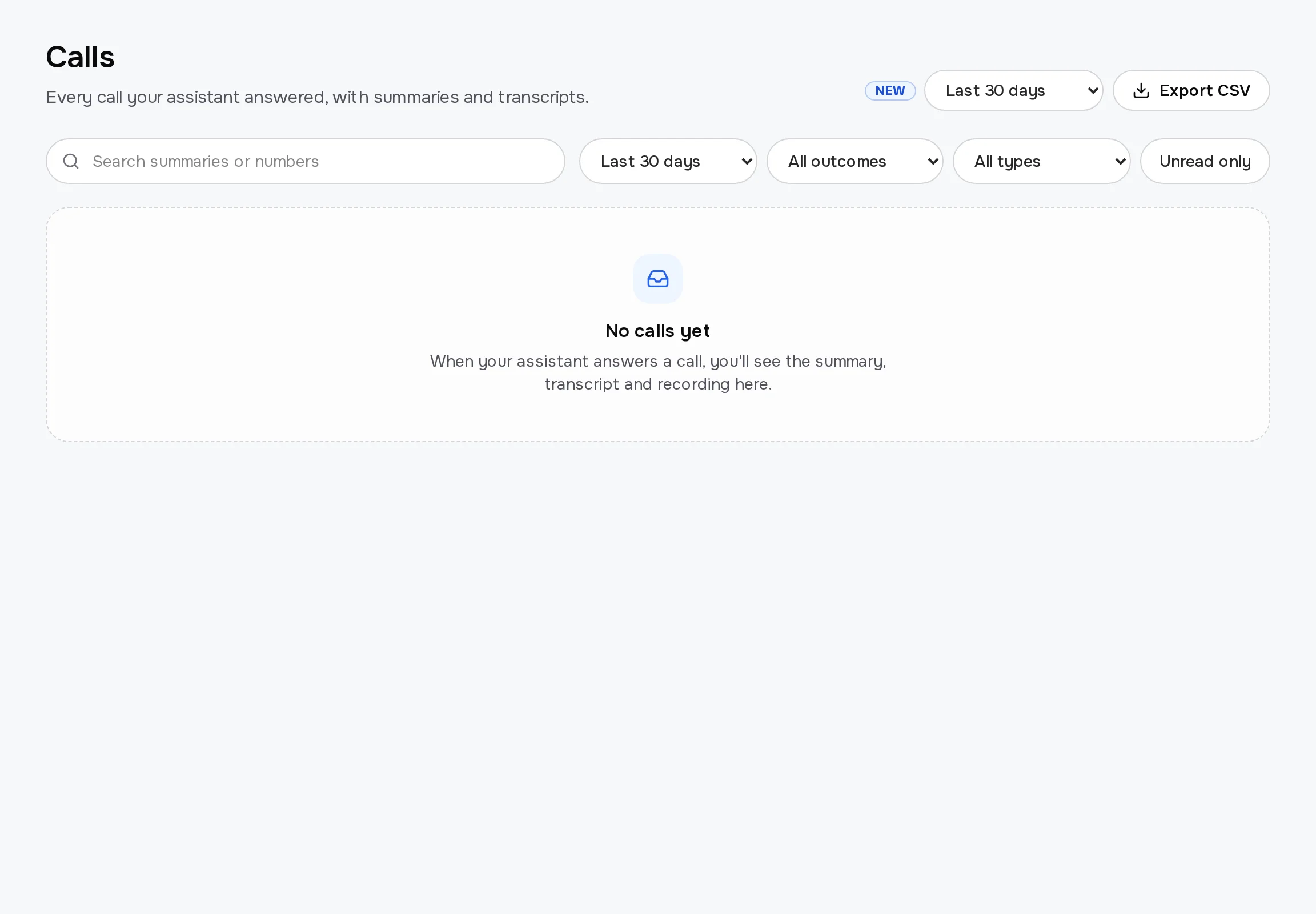
After each call, open Calls. For every call you'll find the Summary, Recording and Transcript, so it's easy to compare the result with your scorecard.
- Bookings — the assistant checks the calendar, offers 2–3 free times, reads the details back and saves the appointment only after the caller confirms.
- Job details — in Caller details you can add items such as the address or appliance model; the assistant asks for them one by one.
- AI disclosure — at the start of every call, Telofia tells the caller they're talking to an AI.
- Trial limits — there's no phone number during the trial and transfers are switched off, so in tests 5 and 7 the assistant will take a message. You can check transfers and calls on a real line once you choose a plan; a number is included in it, and you can keep your existing number and forward it.
Where should you start testing the assistant?
Write down 10 scenarios from this list today, add the expected result to each one and set aside an hour for the calls and listening back.
Then start your free trial and see how Telofia handles your examples: you get 14 days and 30 free minutes.
If the results convince you, plans start at £35 a month excl. VAT on yearly billing — you can compare them on the pricing page.
Frequently asked questions
How many test calls are enough to judge an AI receptionist?
8–10 calls are enough if each one checks a different situation: a booking, a vague request, interruptions, noise, an urgent job, a question it can't answer and asking for a human. Repeat the key scenarios 2–3 times in different words to tell a fluke from a pattern.
Who should make the test calls?
Call yourself, but also ask someone outside the business who doesn't know your script. They'll talk like a real customer — rambling, fast and without trade jargon — so they're better at showing up the assistant's weak spots.
Is a browser test enough before connecting your number?
A browser test shows how the assistant handles the conversation, whether it knows what you offer and whether it captures details correctly. Check real line quality and call transfers on your business number, e.g. starting by forwarding only the calls you don't answer.
What should you do if the assistant makes a mistake in a test?
First check whether the mistake comes from missing knowledge, e.g. a service or opening hours you haven't described. Add the missing information and repeat the same call; if the mistake comes back after the fix, treat it as a red flag.
How long does a test like this take?
Example — assumptions: 10 calls of about 3 minutes each, and the same again to listen back to each one. That comes to roughly an hour of work, plus time for knowledge fixes and repeating failed tests.
Try Telofia on your own calls
Set up your AI receptionist in about five minutes: 14-day trial with 30 free minutes, no card needed for the browser test.
Prefer to hear it first?
Enter your number and the assistant calls you within seconds, acting as the receptionist of your business.
Also available in: Polski, Deutsch, Español, Français, Italiano, Português, Nederlands